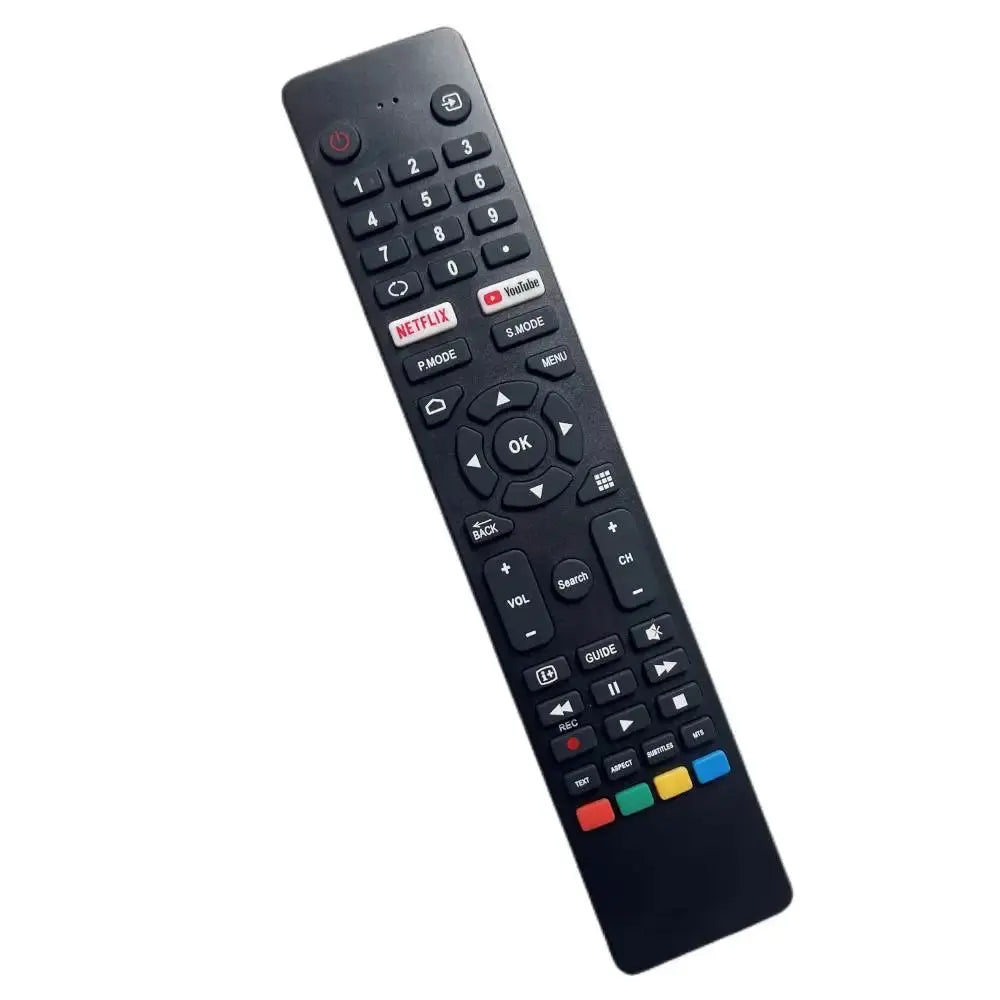
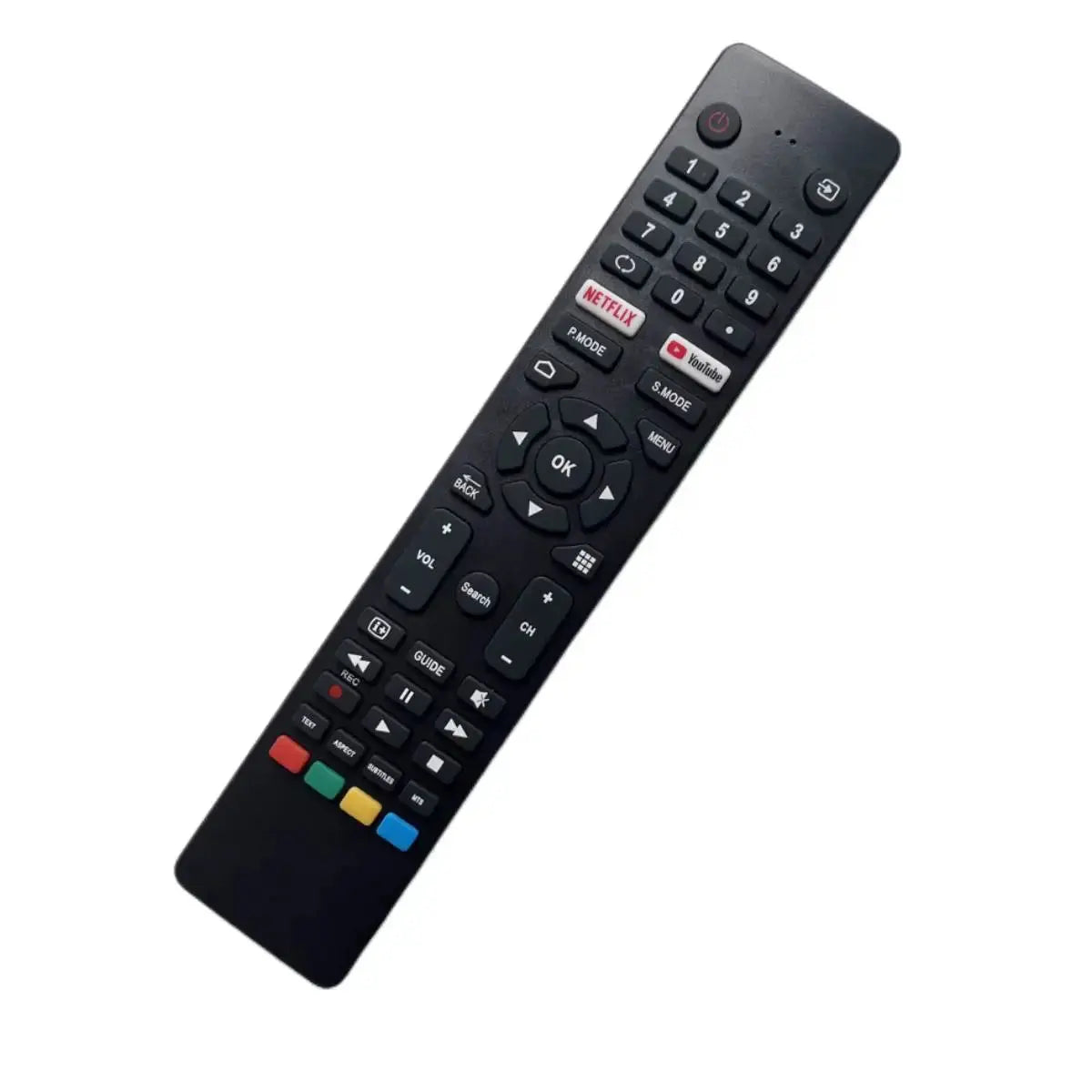
The volume and mute on the remote control belong to the amplifier, while the red button in the middle belongs to the CD player(
The remote CD player needs to press the CD button in the upper left corner to switch to the CD function!
)Below are the radio functions,
Of course, it is not ruled out that there may be some functions that are invalid for your model and cannot be used, such as "Pause and fast forward/backward, some players are invalid,
The volume and mute buttons are dedicated to power amplifiers. With thousands of models, no one can guarantee that all functions can correspond to your machine
Note: The volume control button of the remote control is for the remote amplifier, so the CD volume cannot be controlled with this remote control!!
Known to be able to remotely control most of the Philips or Maranz series produced in the 1990s, as well as some other Philips series that use rocker turntables such as Cambridge, Meisheng, Miguel, Yajun, LIN, Xuan Lexi, Aliston, etc., specific models are not guaranteed to be 100% universal to your machines. The original inventory supports 90% of the For Philips RC5 encoded sound systems on the market!
Customer must read
1. before buying, as like as two peas, please confirm that the model and the buttons on the buttons must be exactly the same, so that they can be used normally (the TV model can only be used as a reference, not as the basis for purchase. Please note. Do not buy it according to the appearance of the remote control). If you have any questions, please consult and take another picture.
2. Picture Description: all pictures are taken in kind. Due to its own production factory, there are many product models, large quantities and many production times. Baby may have small differences in appearance (including logo, color, weight or others) due to the production batch, but the quality is the same. Please rest assured to buy!
3. When shopping online, you can't see the real object, and the display may have color difference, which will inevitably be different from what you think. Please ask the buyer to buy carefully. If you have any questions, please consult in advance to avoid unnecessary disputes afterwards!!
4. Quality assurance: the products sold in our store will use professional remote control testing instruments before delivery, and each button will be professionally tested. Please rest assured to buy!
5. This product does not contain batteries. Customers need to buy 2 AAA batteries in local stores and put them in to work normally
Troubleshooting
1. First, provide the photos of the original remote control to confirm whether it was bought wrong.
2. If the indicator light is not on (no display on the display screen), check whether the battery contacts the positive and negative poles (or replace it with a new battery).
3. If there is no wrong purchase and display, the infrared camera function "mode" of the available mobile phone can not be used, and the "mode" can be automatically adjusted to refrigeration.
4. In case of program disorder, the factory setting can be restored by discharging (after taking out the battery, press and hold a key for 5 seconds, and then install the battery for a try)
test method
1. Turn on the camera function of the mobile phone, point the transmitter of the remote control at the camera hole for 1-3cm, and press each key to transmit a signal. If it is normal, the display screen of the mobile phone will see a bright light (Apple's mobile phone system is different and can't be tested).