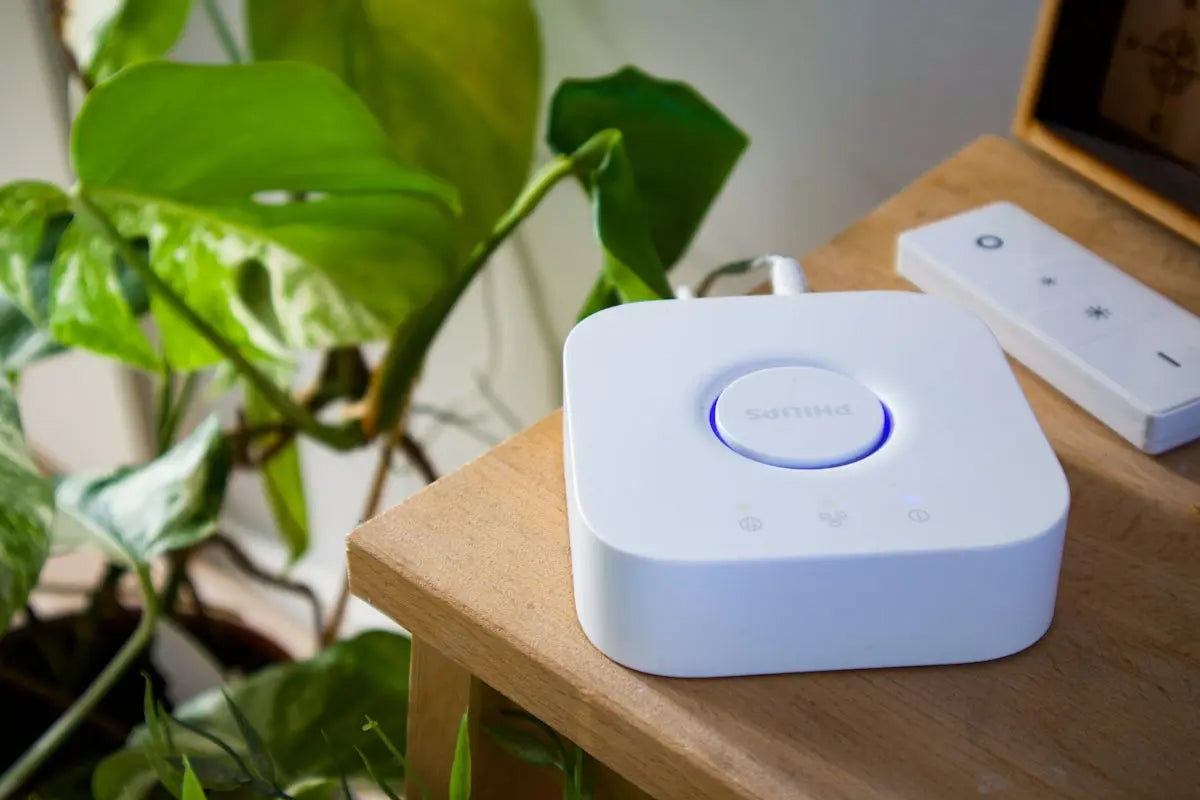
Ever felt that your Philips Remote isn't fully utilized? You're not alone. Many users overlook the extensive capabilities their remotes possess. In this post, we'll unlock the full potential of your Philips remote with some easy tips. These insights are not only applicable to Philips, but can also enhance the use of other brands such as Samsung Remote, LG Remote, Panasonic Remote, TCL Remote, Sony Remote, Veon Remote, and even your SkyQ Remote.
Understanding the Basics
Before diving into the advanced functions, make sure you're familiar with the basic operations of your remote. Ensure your batteries are fresh, as low power can affect functionality. If you're using a Samsung Remote, make sure it's compatible with your device. Check out the BN59-01015A Remote which works seamlessly with various Samsung models.
Exploring Advanced Features
- Custom Button Functions: Explore the possibility of customizing button functions. Many remotes, including Philips, allow reassigning buttons for different tasks.
- Voice Control: If your remote supports it, voice control can simplify your viewing experience significantly. The BN59-01220D Universal Remote supports advanced voice command functions for Samsung TVs.
- Universal Control Setup: Use your Philips remote to control multiple devices. This feature is a huge convenience if you juggle between a TV, sound system, and other devices.
Troubleshooting Common Issues
Is your remote not responding? Here’s a quick troubleshooting guide:
- Power Cycle: Remove the batteries, press all the buttons for 3 seconds to discharge electricity, and then replace the batteries.
- Re-syncing Devices: Some remotes require re-syncing with the TV if not used for a while. Check your manual or the manufacturer’s website if you're uncertain.
A Samsung model like the BN59-01432J Smart TV Remote may have different processes for re-syncing.
Upgrading Your Remote
If your remote no longer suits your needs, it might be time to upgrade. Modern remotes like the Replacement Remote for Samsung Smart TVs offer extended functionalities and a more user-friendly interface.
In conclusion, with a little effort, you can drastically improve your remote usage experience. Whether you're using a Philips Remote or another brand, these simple tips can help unlock more of the potential hiding in your remote.
For more details on the best remote controls for all your devices, visit the Magic Remotes website.