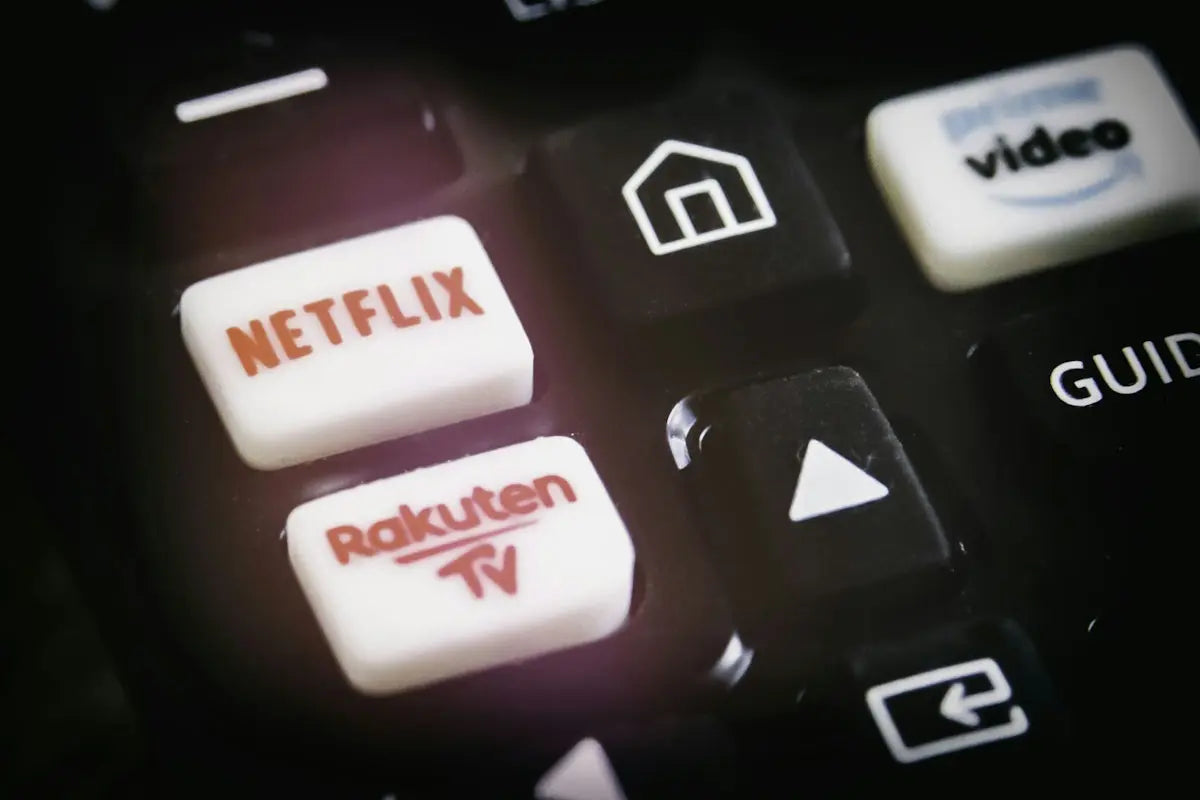
In today's fast-paced technological world, mastering the use of your remote controls can greatly enhance your productivity and entertainment experience. Whether you want to streamline your home entertainment setup or upgrade the functionality of your devices, this guide will help you program your remote for maximum efficiency. Let's delve into the steps and tricks that will ensure you get the most out of your remotes.
Understand Your Device
Before beginning, it's crucial to know the specific remote control you're dealing with. Here are some popular models available:
- Original Sony RMF-TX520E Remote Control Replacement for Sony Smart TVs: Perfect for models like KD-65X80J and KD-75X80J here.
- Remote control For SHARP Aquos HD Smart LED TV DH1901091551 SHWRMC0115: Ensure your sharp TV gets the optimal control with this option.
- Universal Remote for LG Air Conditioner, AKB75415310: A multi-function device that offers stable performance, perfect for managing your air conditioning here.
Steps to Programming Your Remote
Here are some general steps that you can follow for programming most remote controls:
1. Gather Your Materials
Ensure you have fresh batteries in your remote and that your devices are plugged in or powered as necessary.
2. Read the Manual
Every remote comes with a manual specifying the programming codes and instructions. If you have misplaced your manual, most are available online for download or through the product page.
3. Identify the Codes
Different devices have unique codes. Manuals or company websites typically provide these. For instance, those looking for Sony or Sharp codes may refer to relevant product links shared above.
4. Enter the Codes
Generally, the process involves switching the device on, holding down a particular button (often the 'setup' button), entering the code, and then checking for correct functionality.
5. Test and Optimize
After entering the codes, test various commands to verify they work. If not, try different codes or confirm your steps.
Maximizing Efficiency
- Favorites Setup: Customize buttons to select your most-watched channels or commonly used features quickly.
- Automations: If your remote supports it, set up routines like turning on the TV and soundbar simultaneously.
- Keep Updated: Remotes can receive updates for enhanced performance. Check with manufacturers periodically.
By following these strategies, you'll ensure your remote is not just a tool, but a central piece of your daily convenience. Explore more products to suit your needs at Magic Remotes NZ.
Take your entertainment and comfort to the next level by mastering your remote controls today!