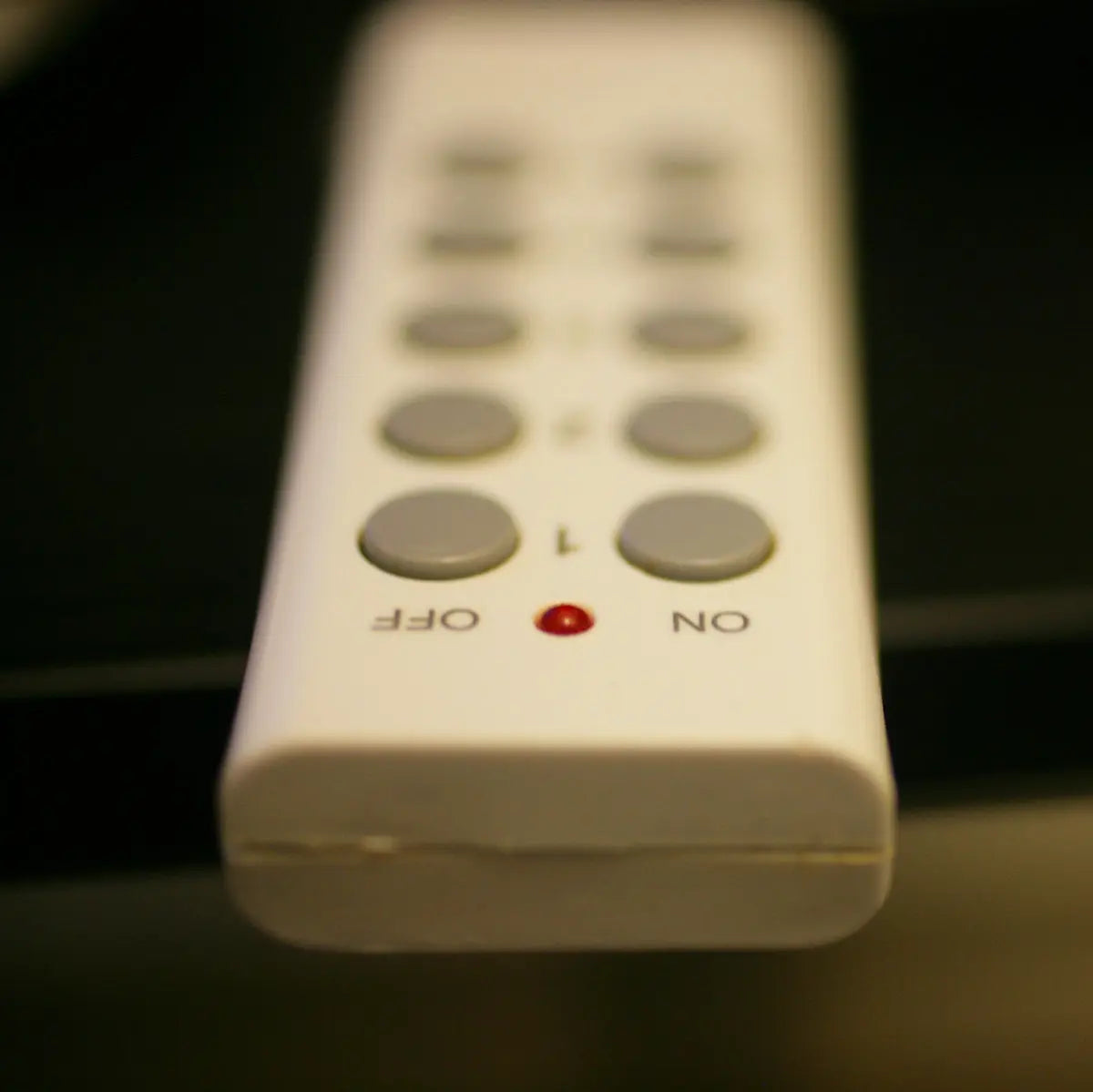
Remote controls play an indispensable role in enhancing our television viewing experience. However, they can sometimes encounter issues that affect their functionality. In this blog post, we provide troubleshooting tips to help resolve common problems with Skyq and TCL remotes. Whether you're utilizing a Samsung Remote, LG Remote, Panasonic Remote, Philips Remote, Sony Remote, or Veon Remote, these tips may also be beneficial in ensuring seamless operation.
Common Issues and Solutions for Skyq and TCL Remotes
Issue 1: Remote Not Responding
A remote that doesn’t respond can be quite frustrating. This problem often stems from simple issues such as dead batteries or blocked signals.
Solution:
- Replace the Batteries: Ensure that your remote has fresh, fully charged batteries. This is often the simplest solution to many remote-related issues.
- Clear the Line of Sight: Make sure there is nothing obstructing the line of sight between the remote and the TV or receiver.
Issue 2: Buttons Not Working
If some or all buttons on your remote do not function, it might be due to sticky substances or dust accumulation.
Solution:
- Clean the Remote: Carefully clean around the buttons with a soft, damp cloth. For more persistent debris, a soft toothbrush can be used to gently scrub around the buttons.
- Reset the Remote: For some models, removing the batteries and pressing all the buttons can discharge static buildup, potentially resolving the issue.
Issue 3: TV Not Responding to Remote Signals
Occasionally, your TV may not respond even though the remote appears to be working.
Solution:
- Ensure Correct Pairing: Make sure that your remote is properly paired with your television. Refer to the TV’s user manual for steps on pairing.
- Update Software: Check if both your remote and TV require a firmware update and proceed with updates if needed.
Select Remote Control Options
While troubleshooting can resolve many issues, sometimes a replacement is necessary. Here are some compatible remote controls you might consider:
- BN59-01357A Solar Voice Remote Control Replacement for Samsung Smart Frame QLED 4K 8K Smart TV
- Samsung TV Remote Control AA59-00602A AA59-00666A AA59-00741A AA59-00496A FOR LCD LED SMART TV
- New BN59-01432J TM2360E Voice Solar Cell Rechargeable Remote Control For 2023 Samsung TV
For further assistance and to explore more options, visit Magic Remotes. With the right care, your remote controls can continue to provide you hassle-free entertainment for years to come.