In today's tech-savvy world, managing multiple devices with ease is crucial. Whether it's your LG remote or any other brand like Samsung, Panasonic, Philips, TCL, Sony, Veon, or SkyQ, knowing how to troubleshoot common remote issues can save you time and frustration. Here's our ultimate guide to helping you get your remote control back on track right from magicremotes.nz.
Common Issues and Fixes for Your LG Remote
1. Remote Not Responding
- Check the Batteries: Always start with checking the batteries. Replace them if needed and ensure they are inserted correctly.
- Reset the Remote: Sometimes a simple reset can do wonders. Remove the batteries, press all buttons twice, and reinsert the batteries.
- Check the Sensor: Make sure there's no obstruction between the remote and the TV sensor.
2. Buttons Not Working
- Clean the Remote: Dust and dirt can settle under the buttons, causing them to malfunction. Use a cotton swab with rubbing alcohol to clean around the buttons.
- Button Reprogramming: In some cases, reprogramming might help. Consult your remote’s manual for specific instructions.
3. Volume Control Issues
- Ensure the remote’s signal is reaching the TV by pointing it directly towards the sensor.
- Try re-pairing the remote with the TV using the instructions in the user manual.
Troubleshooting Other Common Remote Brands
Samsung Remotes
- Voice Functionality: If you’re facing voice command issues with your Samsung remote, ensure the microphone is not obstructed or muted.
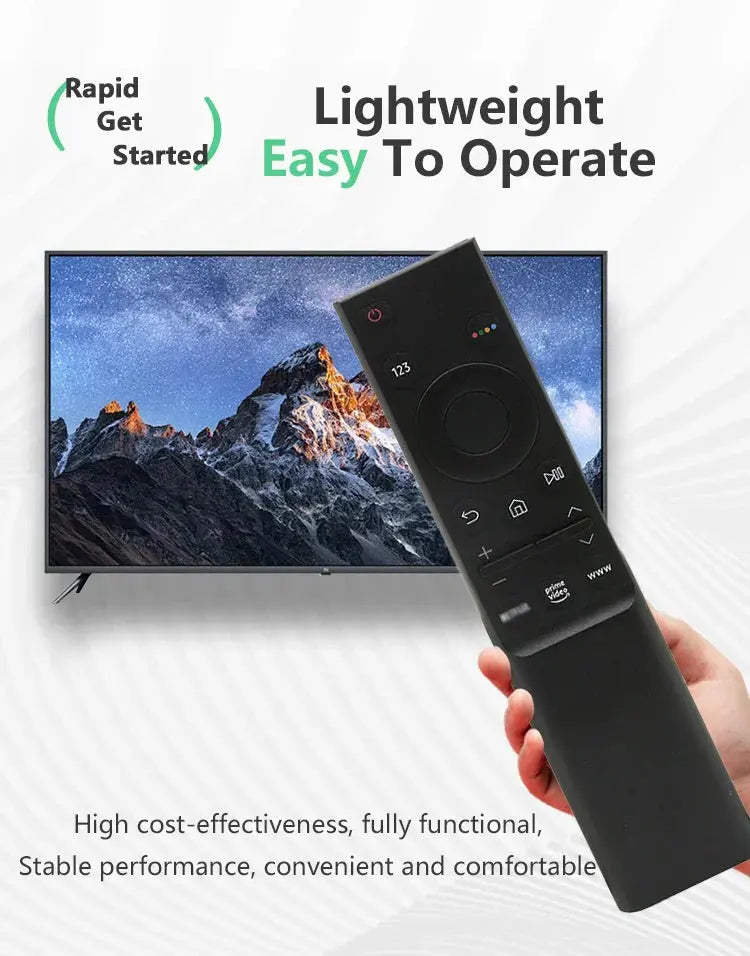
- Recommended Product: Check out the BN59-01266A Voice Replacement Remote for Samsung Smart TVs for a reliable alternative.
Panasonic, Philips, TCL, Sony, Veon, and SkyQ Remotes
- Universal Troubleshooting: For these brands, ensure the firmware of your TV is updated. An outdated system can cause compatibility issues with the remote.
- Device Manager Check: Look into your TV's settings to ensure the 'Remotes and Accessories' section lists your device correctly.
When to Replace Your Remote
If all troubleshooting steps fail, it might be time to consider a replacement.
- For Samsung Users: Consider our BN59-01315L Universal Remote Control Replacement that covers a range of modern Samsung TVs, enhancing your viewing experience with additional streaming service buttons.
In conclusion, whether you're dealing with an LG remote or exploring alternatives like Samsung, Panasonic, or others, these troubleshooting tips can help you maintain seamless control over your entertainment setup. For effective replacements and accessories, explore our offerings at magicremotes.nz to find the perfect fit for your needs.