When it comes to managing your home entertainment system, a remote control is often the unsung hero. Whether you have a Panasonic remote, Samsung remote, or LG remote, knowing how to troubleshoot common issues can save you a lot of time and frustration. This step-by-step guide will walk you through resolving some frequent problems you may encounter with your Panasonic remote. We’ll also touch on how these tips might apply to other remotes such as Philips, TCL, Sony, Veon, and SkyQ remotes.
Common Issues with Panasonic Remotes
1. Remote Not Responding
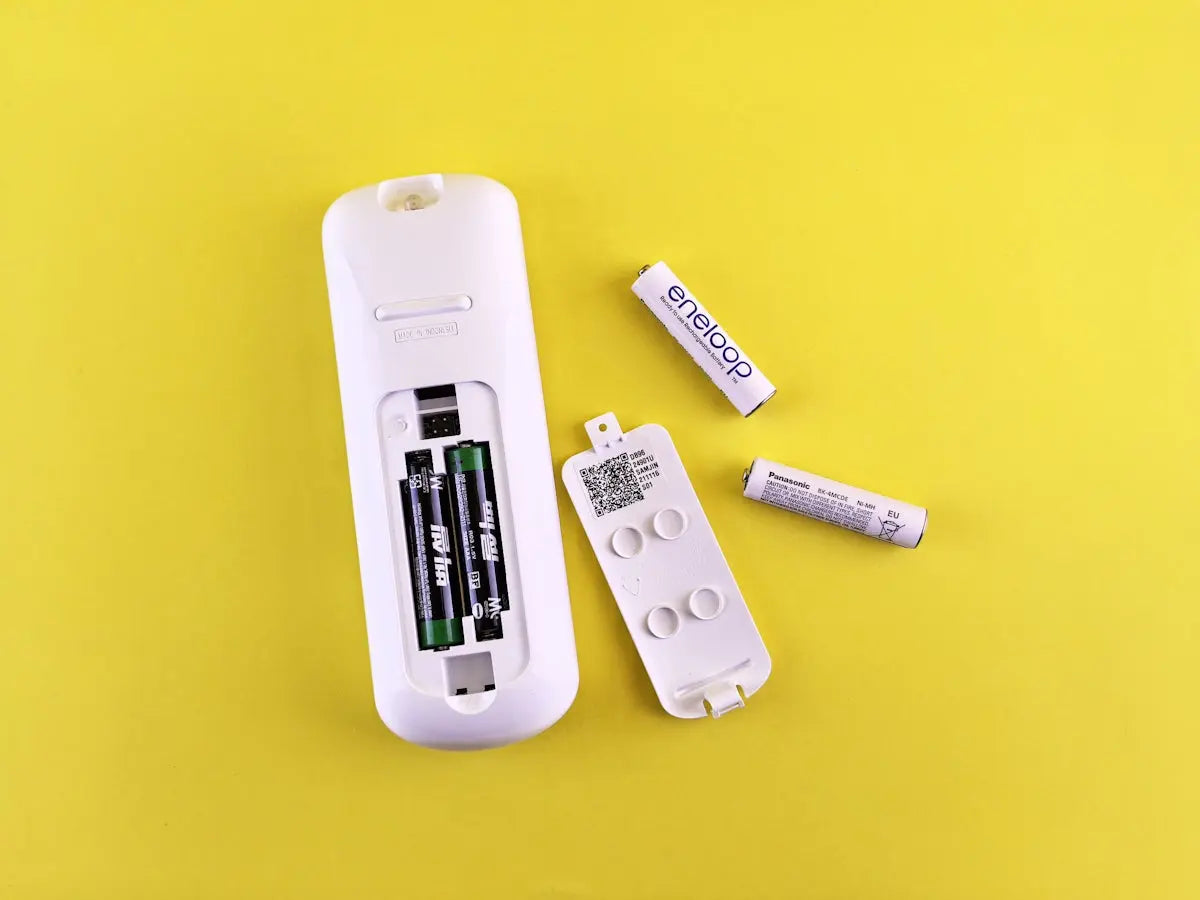
Ensure your remote is pointed directly at the TV sensor. A common cause of this issue is low battery power. Replace the batteries to see if that solves the problem.
- Tip: Use fresh, high-quality batteries for optimal performance.
2. Buttons Not Working
Sometimes the buttons can become unresponsive due to dirt or grime. Clean your remote with a soft, dry cloth. Avoid using any liquid cleaners as they may damage the circuitry.
3. Programming your Remote
If your remote needs to be programmed, refer to the instruction manual that came with your Panasonic remote. If lost, manuals can often be found online.
Addressing Similar Issues on Other Remotes
While this guide is focused on Panasonic remotes, many of these troubleshooting tips can apply to other brands:
- Samsung Remote: Issues like non-response or unresponsive buttons can often be resolved by cleaning the remote or replacing the batteries. Explore this New BN59-01388E Remote Control for a reliable Samsung remote option.
- LG Remote, Philips Remote, and TCL Remote: Programming and resetting these remotes follow similar steps. Just ensure you have the correct codes for your respective device.
- Sony Remote: Often, temporary power cycles, such as removing the batteries or unplugging the TV for a few minutes, will reset most issues.
- Veon Remote, SkyQ Remote: Similar to Panasonic, keep these remotes clean and consider a manual or software update for programmed functions.
For more detailed technical support or to find replacement remotes, feel free to visit magicremotes.nz. They offer a comprehensive selection of remote controls compatible with a wide range of TVs and audio equipment.
By following these simple steps, you'll be able to tackle most common issues with your remote controls, ensuring that your TV watching experience remains seamless and enjoyable.