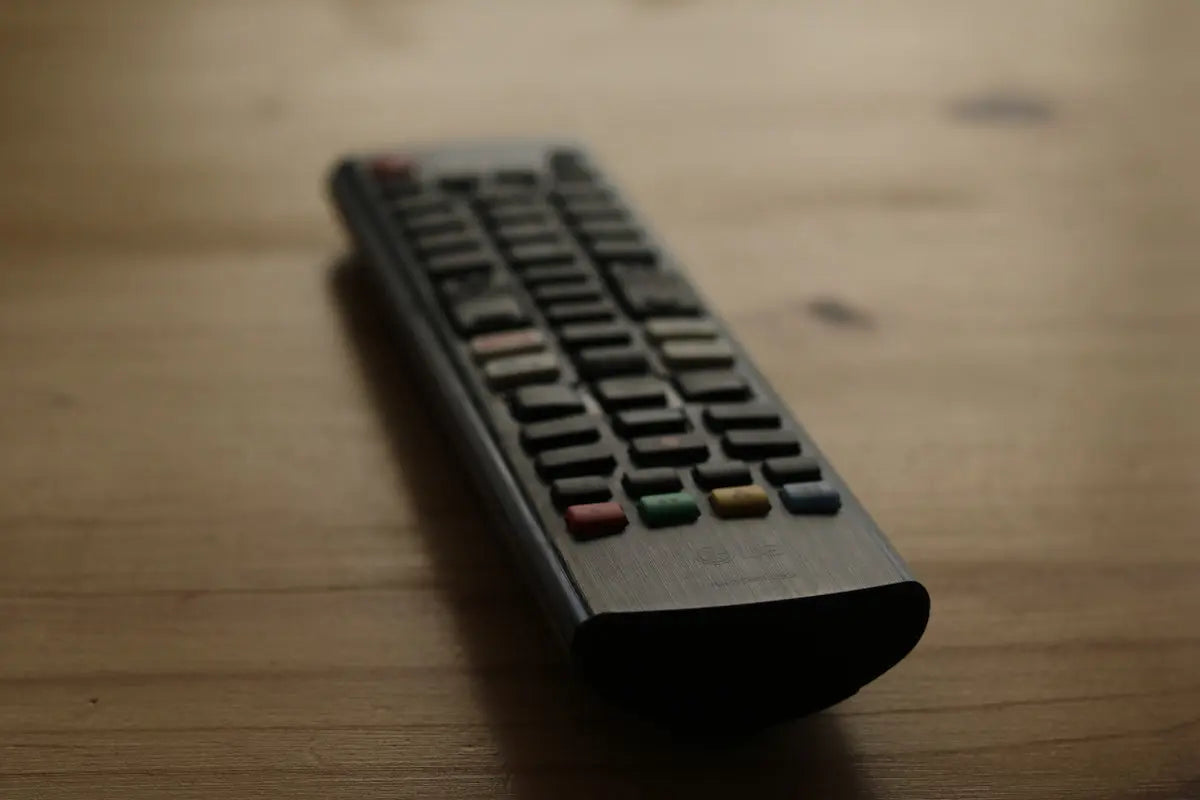
Are you experiencing issues with your LG remote control? You're not alone. Many users face similar problems with their remotes from time to time. Don't fret, though, as most of these issues can be easily resolved with simple troubleshooting steps. Whether you're using a Samsung Remote, LG Remote, Panasonic Remote, Philips Remote, TCL Remote, Sony Remote, Veon Remote, or SkyQ Remote, this guide will help you navigate common issues and get back to enjoying your viewing experience in no time.
Common LG Remote Issues and Solutions
1. Remote Not Responding
The most common issue with LG remotes is when they don't respond to button presses. Here’s how to fix it:
- Check the Batteries: The first and easiest step is to check if the batteries are drained. Replace them with fresh ones and see if this resolves the issue.
- Power Cycle the Remote: Remove the batteries, press all the buttons to discharge any remaining power, and then reinsert the batteries.
- Interference: Ensure that no objects are blocking the remote's line of sight to the TV.
2. Specific Buttons Not Working
Sometimes, only certain buttons on the remote fail to function correctly:
- Clean the Remote: Dust and grime can accumulate inside the remote, obstructing button function. You can carefully clean the remote using a soft cloth and a small amount of rubbing alcohol.
- Reset Connection: For smart remotes, resetting the connection with the TV might help. Check your TV’s settings to unpair and then reconnect the remote.
Expanding Your Remote Collection
If you're considering purchasing a new remote, here are some options that fit a variety of needs:
- Remote Control for Samsung HT-Q70, HT-TXQ120, HT-TXQ120T, HT-TXQ120T/XAA, HT-TXQ120T/XAC: An excellent choice for enhancing your home theater experience.
- BN59-01385A BN59-01385B Voice Remote Control For Samsung TV: Features voice control capabilities, adding convenience to your viewing experience.
- BN59-01480A Solar Voice Remote Control for Samsung TV Solar-Rechargeable Model: A sustainable option with solar-rechargeable capabilities.
- AH81-13358A Remote Control For Samsung Soundbar HW-A430 HW-A450 HW-N430 HW-N470 HW-R50C HW-N450/ZA HWN450 HWN550 HW-T420 HW-T450: Perfect for those who want to control their soundbar with ease.
- Remote Control Air Mouse Voice Gyroscope 7 Color Backlit Mini Keyboard Dual Mode 2.4G BT5.2 Wireless For Android Smart TV Box PC: A multifunctional remote that works with Android TV boxes and PCs, offering a unique mix of features.
By following these simple troubleshooting steps and considering the right remote options, you can enhance your entertainment experience significantly. For more remote control solutions and options, visit Magic Remotes.