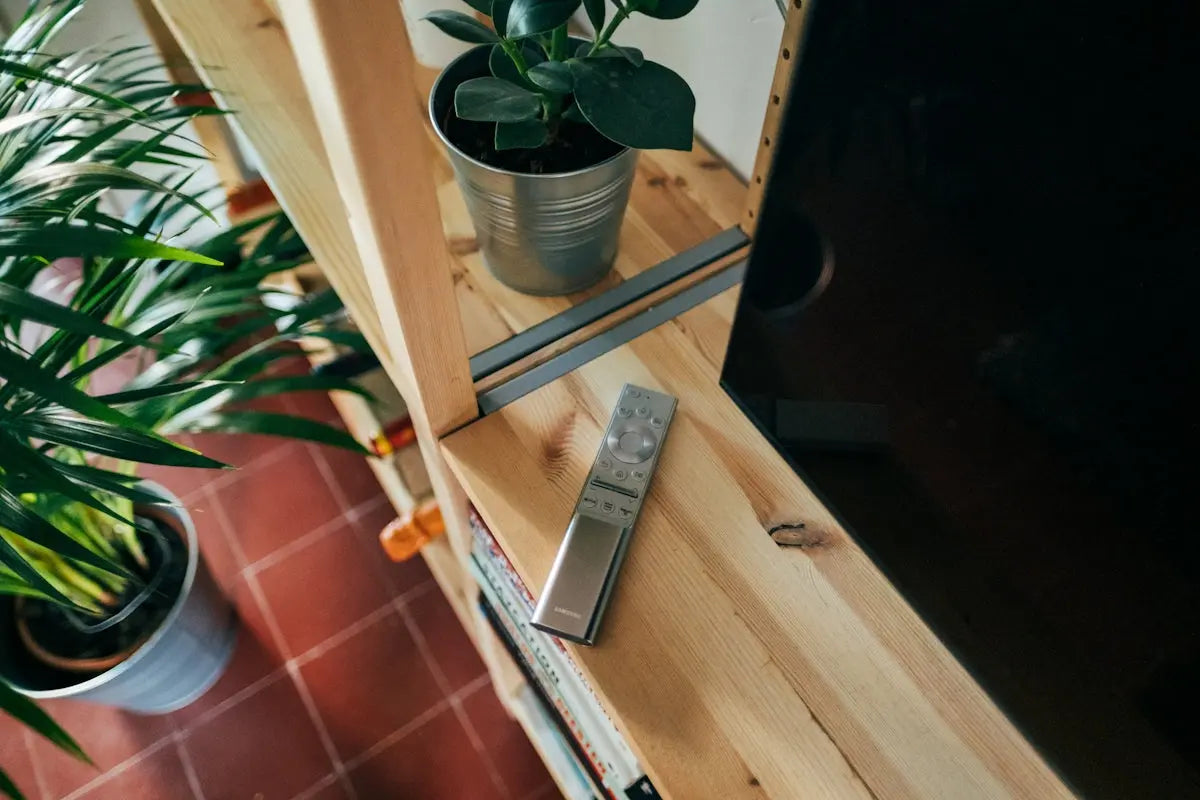
Having a Samsung Remote can significantly enhance your home entertainment experience, but only if you know how to use it effectively. Whether you have a basic model or a feature-rich remote, mastering its use can transform the way you interact with your TV and other devices. In this guide, we'll explore some key tips to help you master your Samsung Remote and offer insights into how it compares with other brands such as LG, Panasonic, Philips, TCL, Sony, Veon, and Skyq remotes.
Understanding Your Samsung Remote
To truly master your Samsung remote, it's essential to start with the basics. Familiarize yourself with the buttons and their functions. A typical Samsung TV remote includes buttons for power, input, volume, channel navigation, and a set of number keys.
Key Tips:
- Setup and Pairing: Ensure your remote is properly paired with your Samsung TV. For some models, this involves pressing and holding the 'TV' button while entering a code.
- Universal Remote Functionality: If you have a Universal Remote for Samsung Smart TV, you can program it to control other devices such as your soundbar or media player. Learn how to switch modes and enter device codes as outlined in the user manual.
- Advanced Features: Some Samsung remotes include advanced features such as voice control and programmable hotkeys for streaming services. For instance, the BN59-01315L Universal Remote Control comes with Netflix and Prime Video buttons for quick access.
- Replacement Remotes: If your remote is lost or broken, consider replacements like the AA59-00484A Remote Control which are designed to replicate the function of the original remote.
- Home Theater Integration: For those with a Samsung home theater system, the New Replace Remote control AH59-02402A is a great choice to manage surround sound system features effortlessly.
Tips for Other Brand Remotes:
While Samsung remotes offer specific functionality, having an understanding of other brands can be beneficial:
- LG Remotes: Known for their magic remote feature, allowing gesture controls.
- Panasonic Remotes: Often come with additional buttons for Viera Link.
- Philips Remotes: Typically have direct buttons for Smart TV operations.
- TCL Remotes: Simplistic yet efficient, often Roku-compatible.
- Sony Remotes: Include backlight features for ease of use in the dark.
- Veon Remotes: Cost-effective and user-friendly.
- Skyq Remotes: Include voice operation for a hands-free experience.
For further assistance and to explore more remote options, visit Magic Remotes.
Mastering your remote control, particularly a Samsung Remote, can significantly enrich your viewing experience by granting you the ability to effortlessly manage your entertainment setup. Take the time to learn, adapt, and you’ll find that the little device in your hand can offer a lot more than you ever imagined.